
ZUGFeRD/ UBL Reader & PDF Import
ZUGFeRD/ UBL Reader & PDF Import in FileMaker
Automatic import of e-invoices with intelligent mapping
Import ZUGFeRD PDFs or UBL files via drag & drop and have all data converted automatically into FileMaker records
Our ZUGFeRD Reader extracts all structured data from e-invoices and creates new FileMaker invoices from it with correct mapping of all fields.
Read in a PDF via drag & drop – new invoice created automatically!
New · ZUGFeRD Reader Version 3
Read, validate, hand over
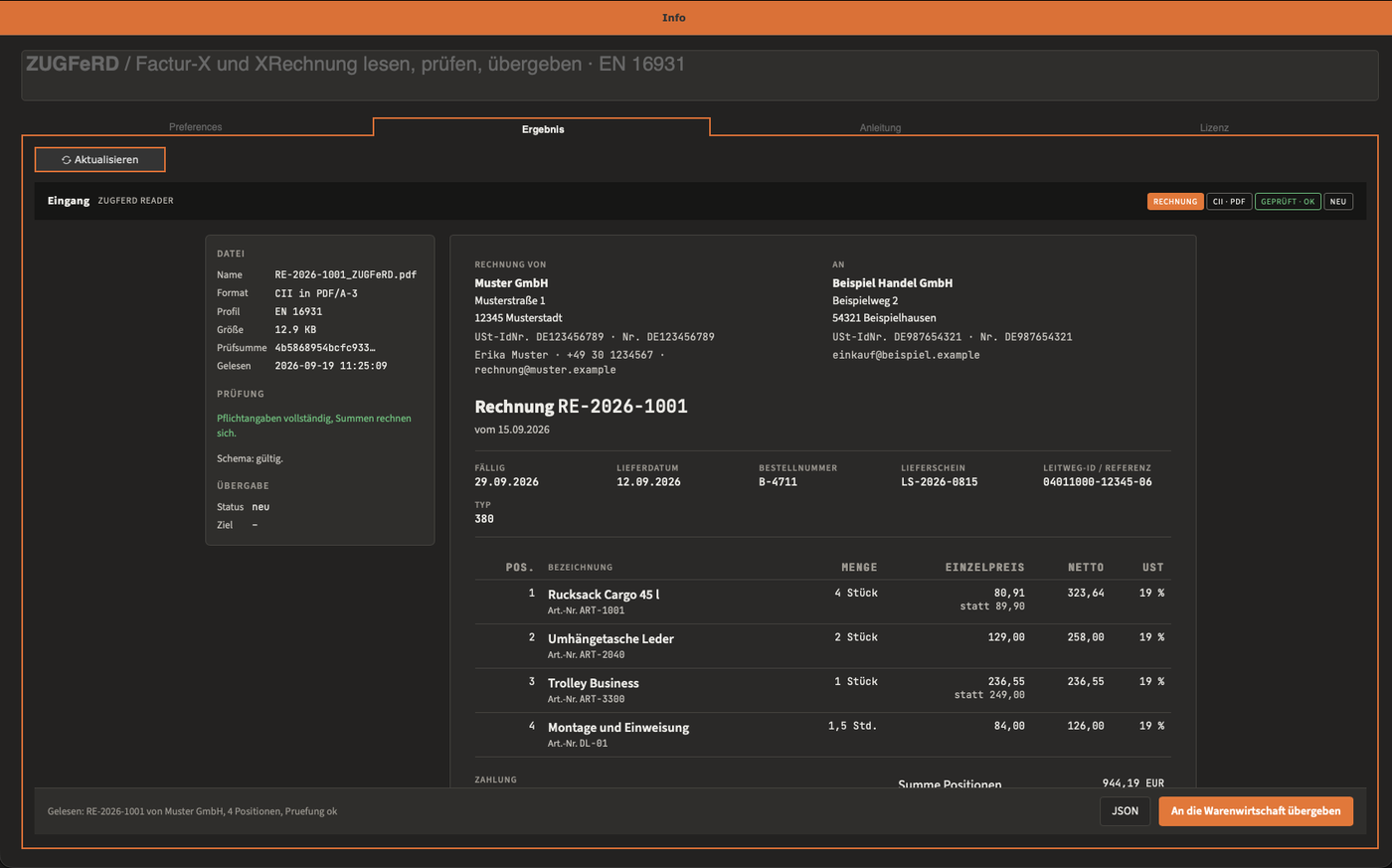
The Reader accepts an incoming e-invoice in any form, reads it via your own server, validates it, stores it together with the original file and displays it in readable form. For an XRechnung, which has no print image, this is the only view a human can read. What happens with the invoice afterwards is decided by a script that belongs to the customer.
What it reads
| File | Content | Detection |
|---|---|---|
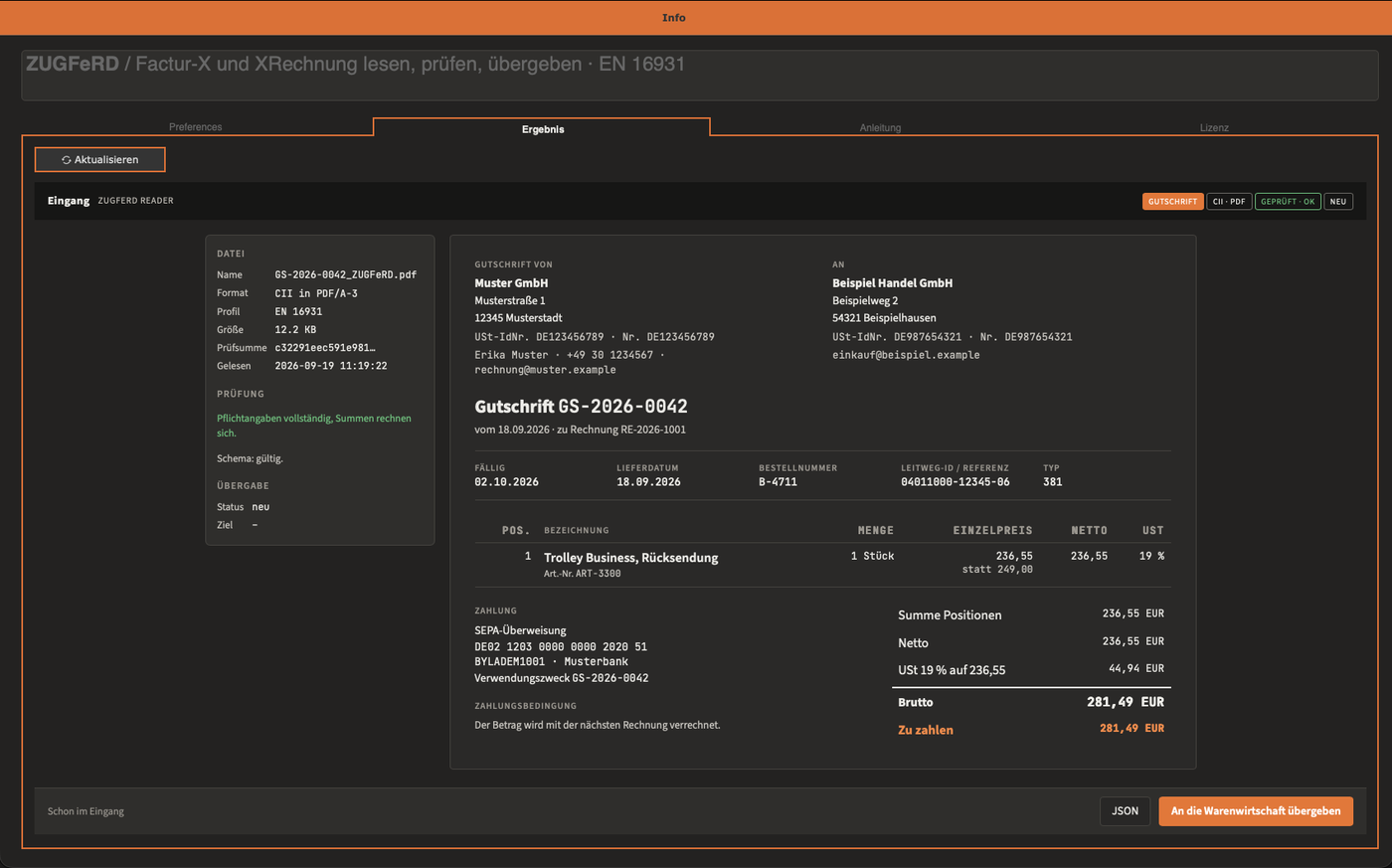
| ZUGFeRD / Factur-X | PDF/A-3 with embedded XML. The XML is read, not the text of the PDF. | CII · PDF |
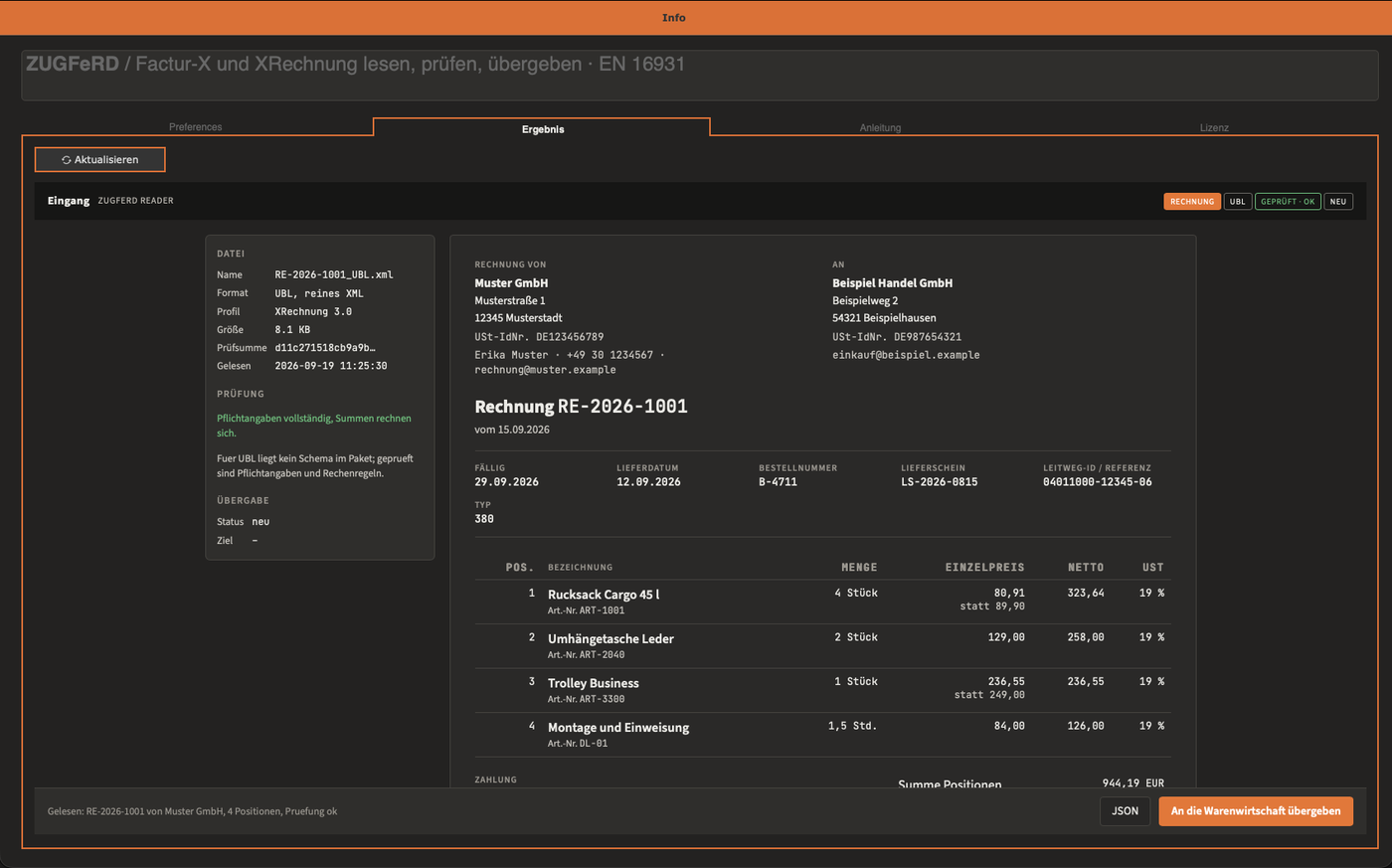
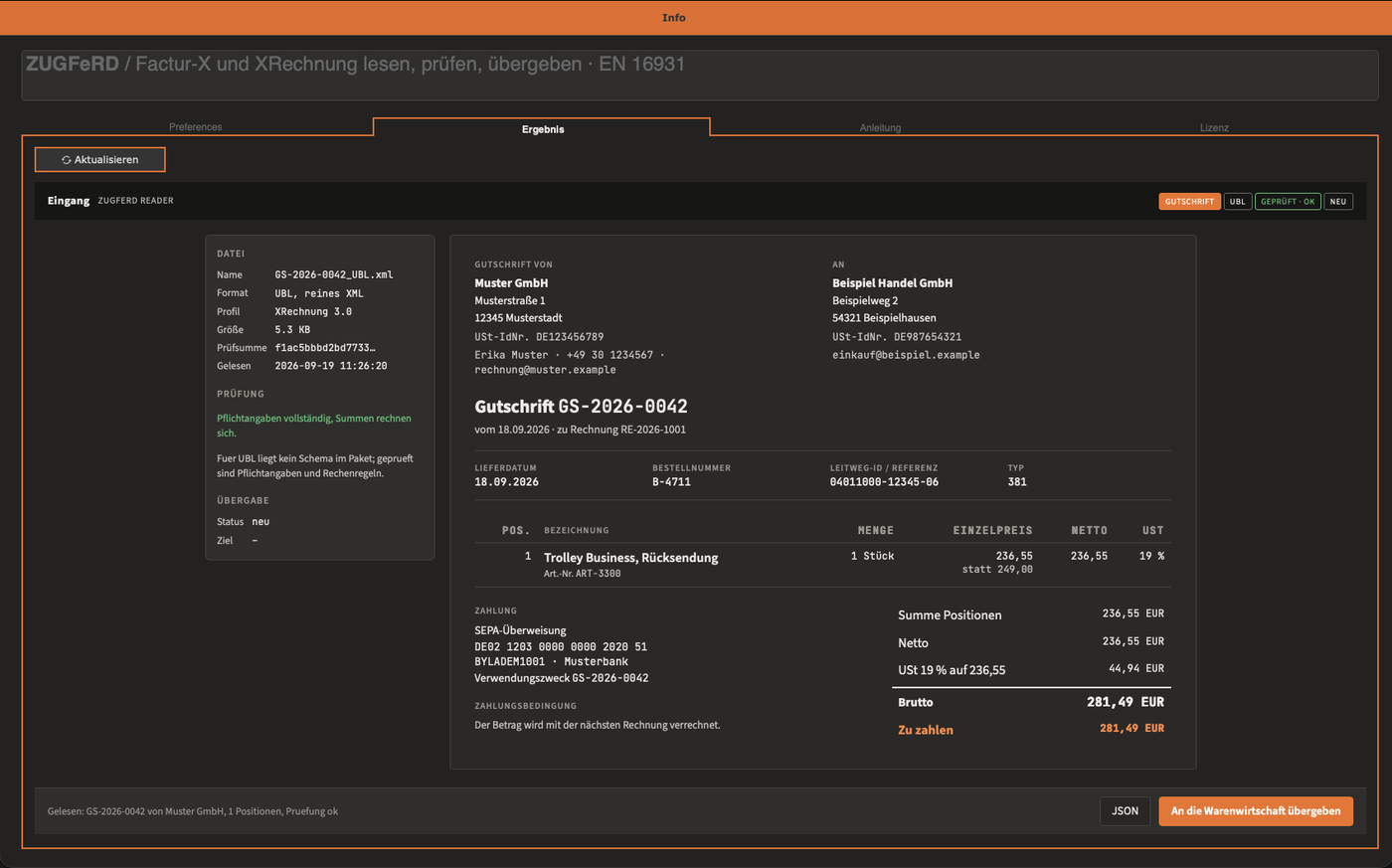
| XRechnung as UBL | Pure XML, invoice (Invoice) and credit note (CreditNote) | UBL |
| XRechnung or ZUGFeRD as CII XML | Pure XML in the syntax CrossIndustryInvoice | CII |
The server detects by itself what it receives. Invoice or credit note, PDF or pure XML: the result is always the same, a record in the inbox and a JSON for the handover.
One file, one result
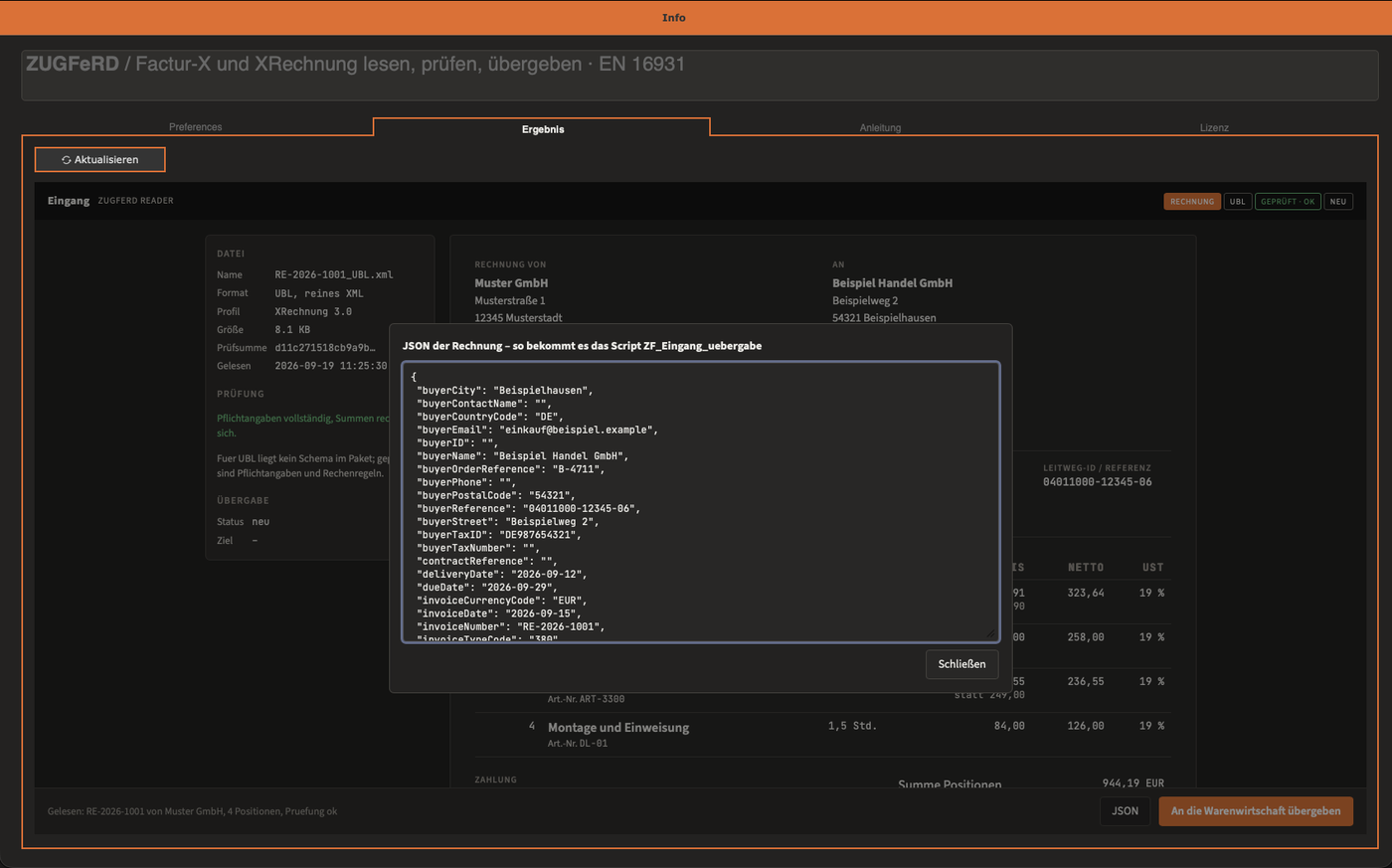
Setup and reading on
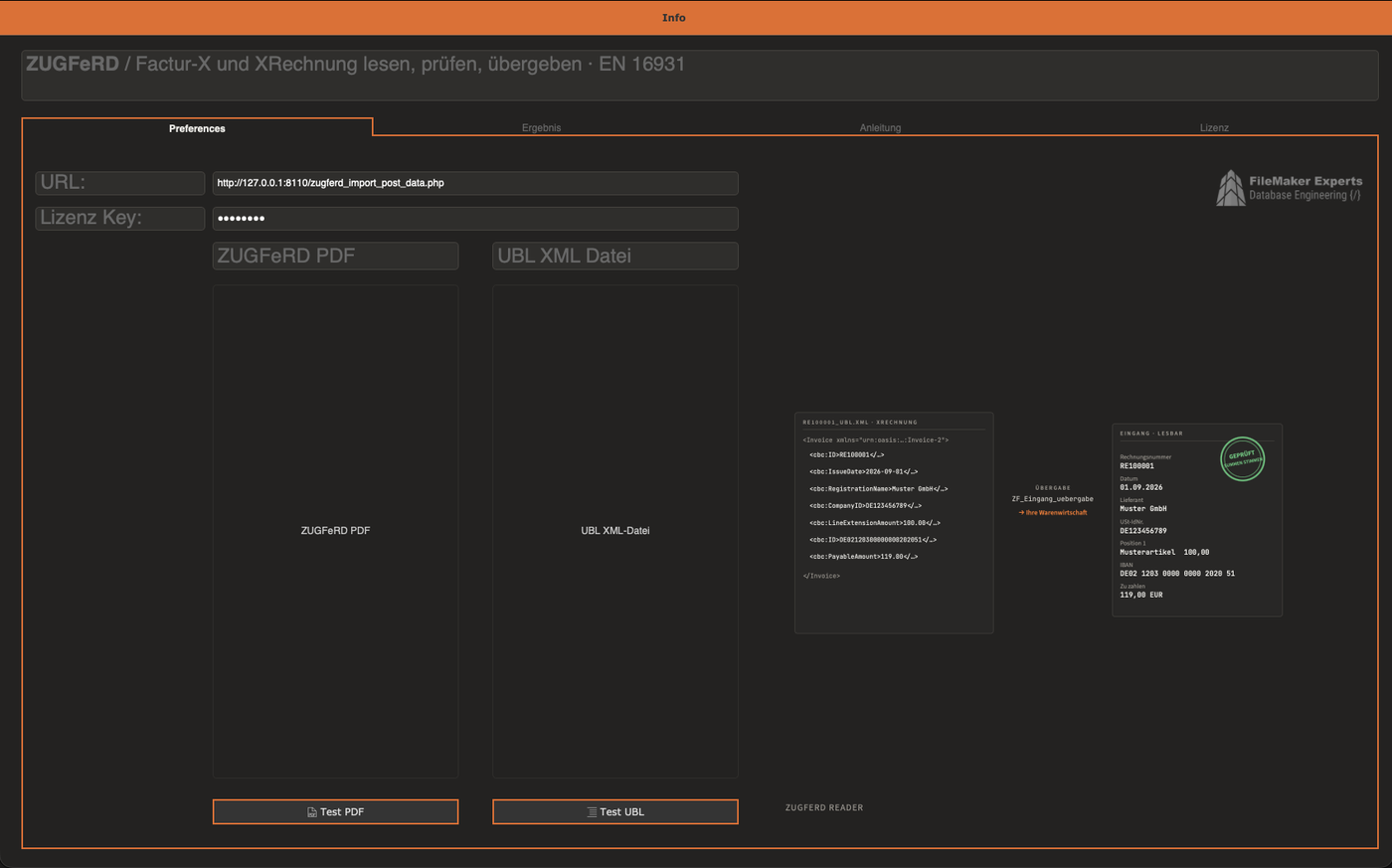
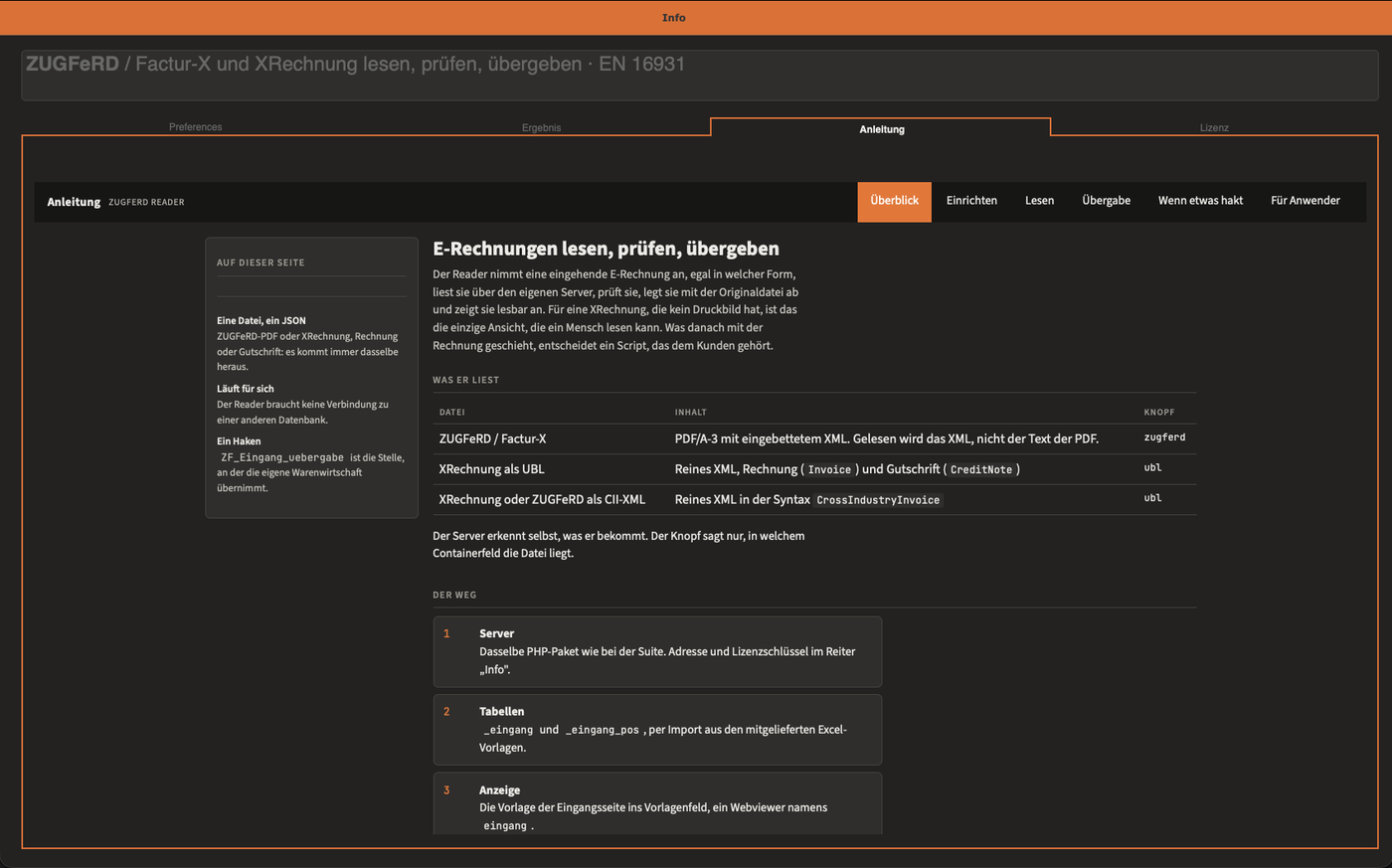
The Reader runs on its own, without a connection to another database. Those using the ZUGFeRD Suite have the same inbox there in the Mapping tab, together with the Creator.
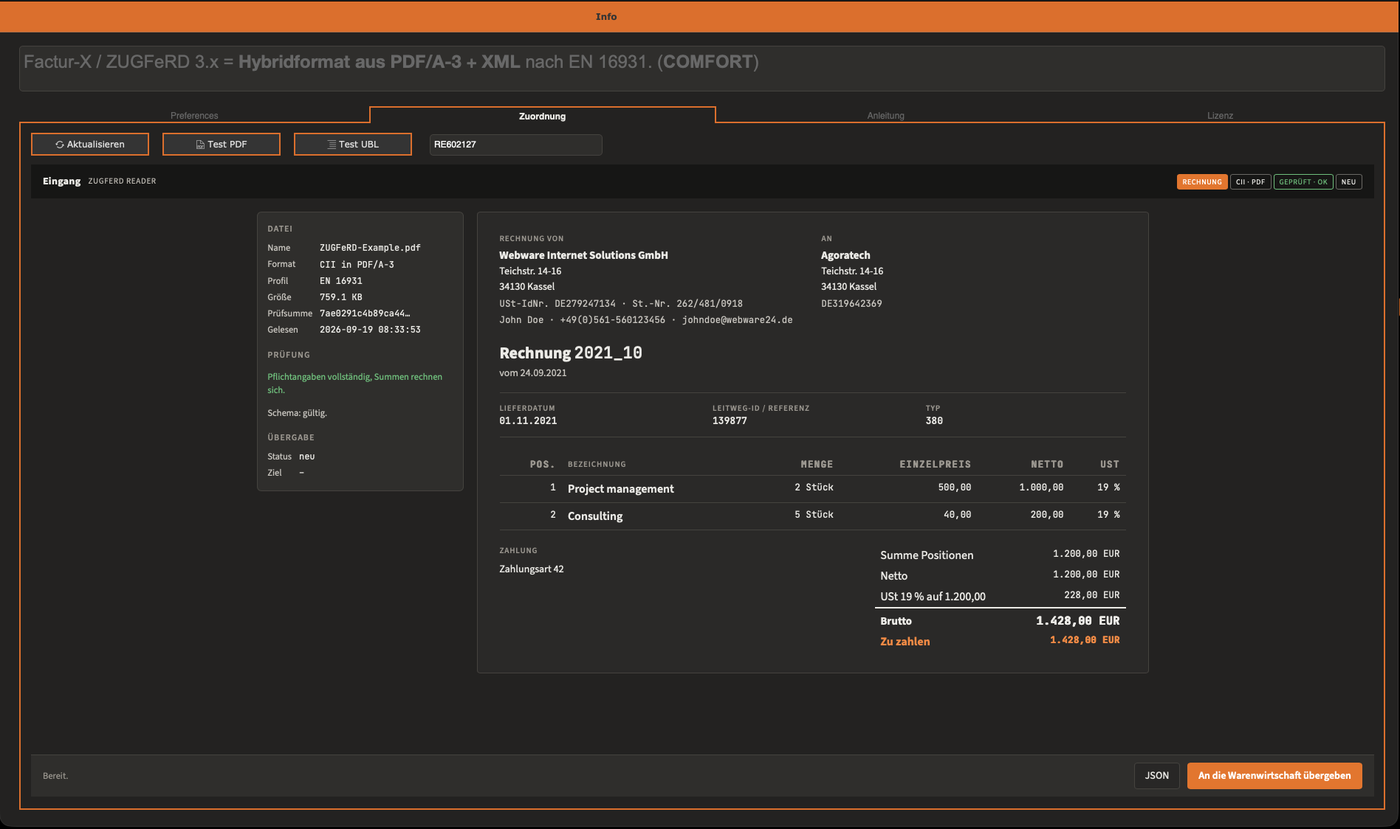
Automatic import process
From ZUGFeRD PDF to FileMaker invoice
- Drop a ZUGFeRD PDF or UBL file via drag & drop
- Automatic extraction of all structured data
- Intelligent mapping to FileMaker fields
- New invoice with all line items created automatically
ZUGFeRD/ UBL Reader features
Automatic data extraction and mapping
Intelligent processing of e-invoices for seamless FileMaker integration
1
PDF/UBL Import
Drag & drop support for ZUGFeRD PDFs and UBL XML files. Automatic detection of the file format and extraction of the embedded structured data.
2
Data extraction
Complete extraction of all ZUGFeRD components: invoice, seller, buyer, line items, payment information and tax details.
3
Intelligent mapping
Automatic mapping of the extracted data to your FileMaker fields based on configured mapping rules and field type detection.
4
Invoice creation
Automatic creation of new invoice records in FileMaker with all header and line item data, including correct tax calculation.
5
Validation & verification
Automatic validation of the imported data against ZUGFeRD standards and plausibility check before the final record creation.
6
Error handling
Intelligent error handling for incomplete or faulty data with a detailed log and correction suggestions.
Import workflow
Automatic ZUGFeRD import
From PDF to FileMaker invoice in four simple steps
1
File upload & detection
- Drag & drop for ZUGFeRD PDFs and UBL XML
- Automatic format detection
- Extraction of the embedded XML data
- Validation of the ZUGFeRD version
- Profile detection (Basic, Comfort, Extended)
2
Data parsing & structuring
- XML parsing of all ZUGFeRD components
- Extraction of header and line item data
- Automatic data type conversion
- Normalization of date and number formats
- Validation of data integrity
3
Intelligent mapping
- Automatic field mapping based on configuration
- Mapping of master data (customers, items)
- Handling of missing or unknown data
- Application of transformation rules
- Preview of the planned records
4
Invoice creation
- Creation of new invoice records
- Automatic line item creation
- Calculation of taxes and totals
- Assignment to customers and items
- Logging of the import process
ZUGFeRD/ UBL Reader license models
Three license models for every use case
Single-user, server or enterprise – choose the right model for your import requirements
Reader Single License
Single users, small companies, 1 workstation
- One workstation
- ZUGFeRD & UBL import
- Automatic mapping
- Local use
- Standard support
Reader Server License
Companies with a central FileMaker Server, multiple users
- Multiple users
- Central import management
- FileMaker Server integration
- Batch import functions
- Extended support
Reader Enterprise
Developers, agencies, large companies – incl. source code & unlimited use
- Source code included
- Unlimited use
- Customisable import rules
- White label possible
- Premium support
Frequently asked questions
ZUGFeRD/ UBL Reader FAQ
Which file formats are supported?
How does the automatic mapping work?
What happens with missing or faulty data?
Can existing customers/items be recognized?
Can I import multiple files at once?
Does the Reader work with multiple clients?
Ready for automatic import?
Integrate ZUGFeRD/ UBL Reader into FileMaker
Start processing e-invoices automatically now
Demonstration
ZUGFeRD/ UBL Reader - Import Demonstration
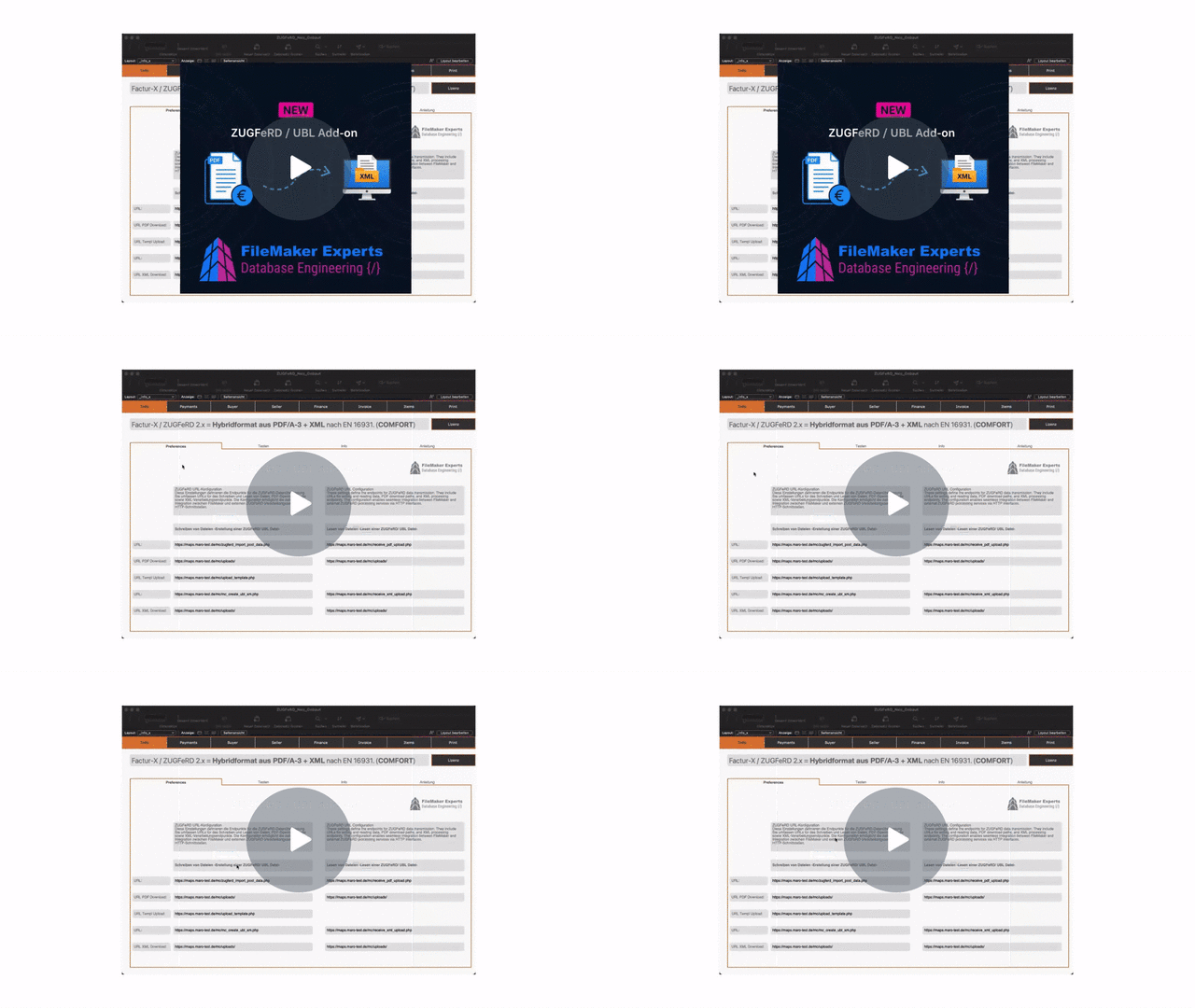
Demonstration of the automatic ZUGFeRD/ UBL import with FileMaker
Watch video on Loom